> For the complete documentation index, see [llms.txt](https://support.tao.com/llms.txt). Markdown versions of documentation pages are available by appending `.md` to page URLs; this page is available as [Markdown](https://support.tao.com/documentation/staking-and-unstaking-tao/unstaking-tao.md).
# Unstaking TAO
Follow the steps below to unstake TAO from the Root subnet.
{% stepper %}
{% step %}
### Open App
The wallet icon is located on the left side of the bottom navigation bar.
{% endstep %}
{% step %}
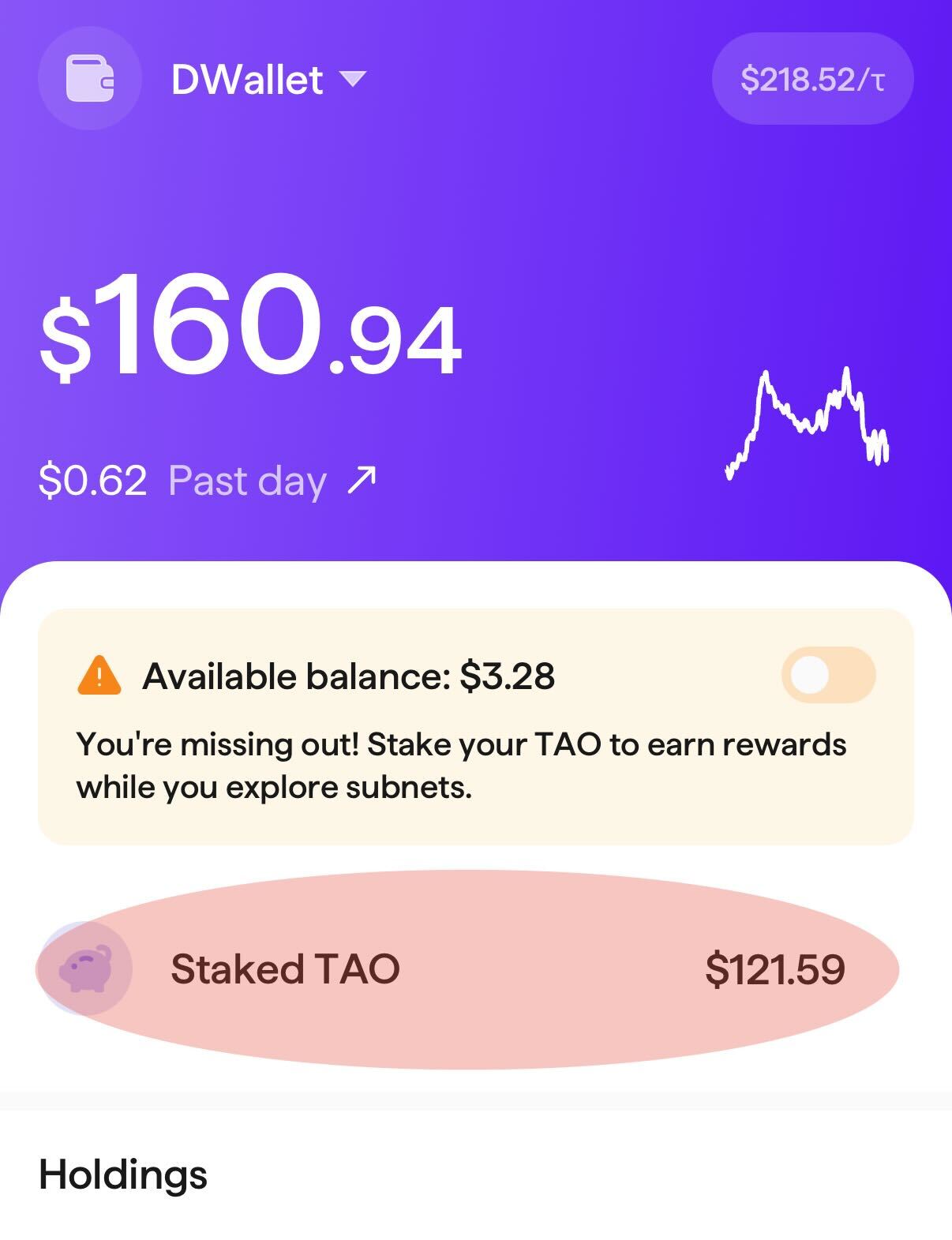
### Tap on "Staked TAO"
{% endstep %}
{% step %}
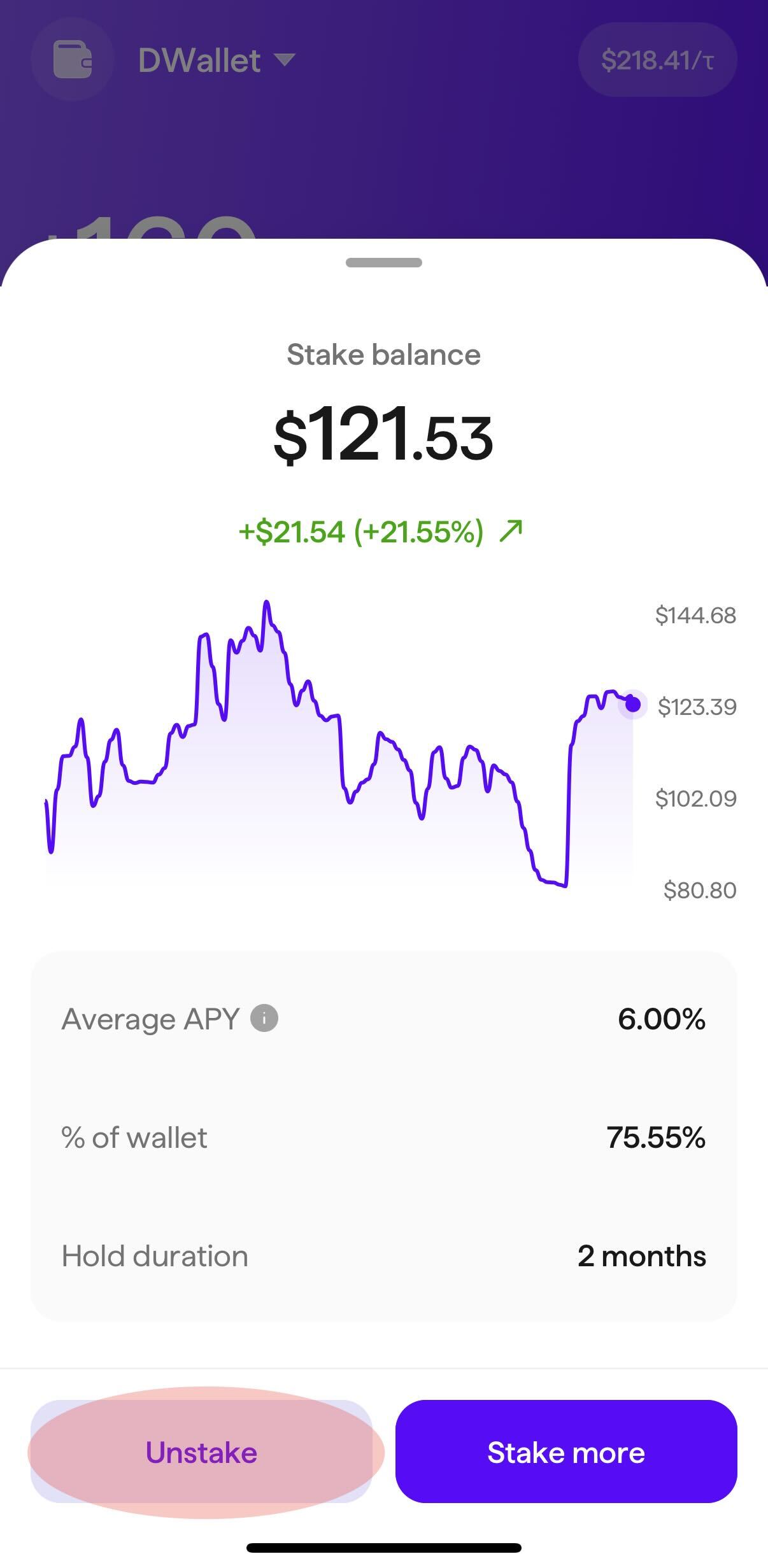
### Tap on "Unstake"
{% endstep %}
{% step %}
### Enter Amount to Unstake
Enter the amount you'd like to unstake from Root in USD or tap "Unstake maximum". Please note that your available balance must be enough to cover the fees required to perform the unstake operation.
{% endstep %}
{% step %}
### Tap "Review transaction"
{% endstep %}
{% step %}
### Review the Transaction Details
{% endstep %}
{% step %}
### Confirm the Transaction with Credentials
Tap "Confirm with Face ID" or enter your password and then tap "Confirm unstake".
Please note that this operation may take several minutes to complete.
{% endstep %}
{% endstepper %}