> For the complete documentation index, see [llms.txt](https://support.tao.com/llms.txt). Markdown versions of documentation pages are available by appending `.md` to page URLs; this page is available as [Markdown](https://support.tao.com/documentation/getting-started/adding-a-wallet/creating-a-new-wallet/no-existing-wallet-in-app.md).
# No Existing Wallet in App
Follow the steps below to create a brand new wallet in the TAO.com app when no other wallet currently exists in the app.
{% stepper %}
{% step %}
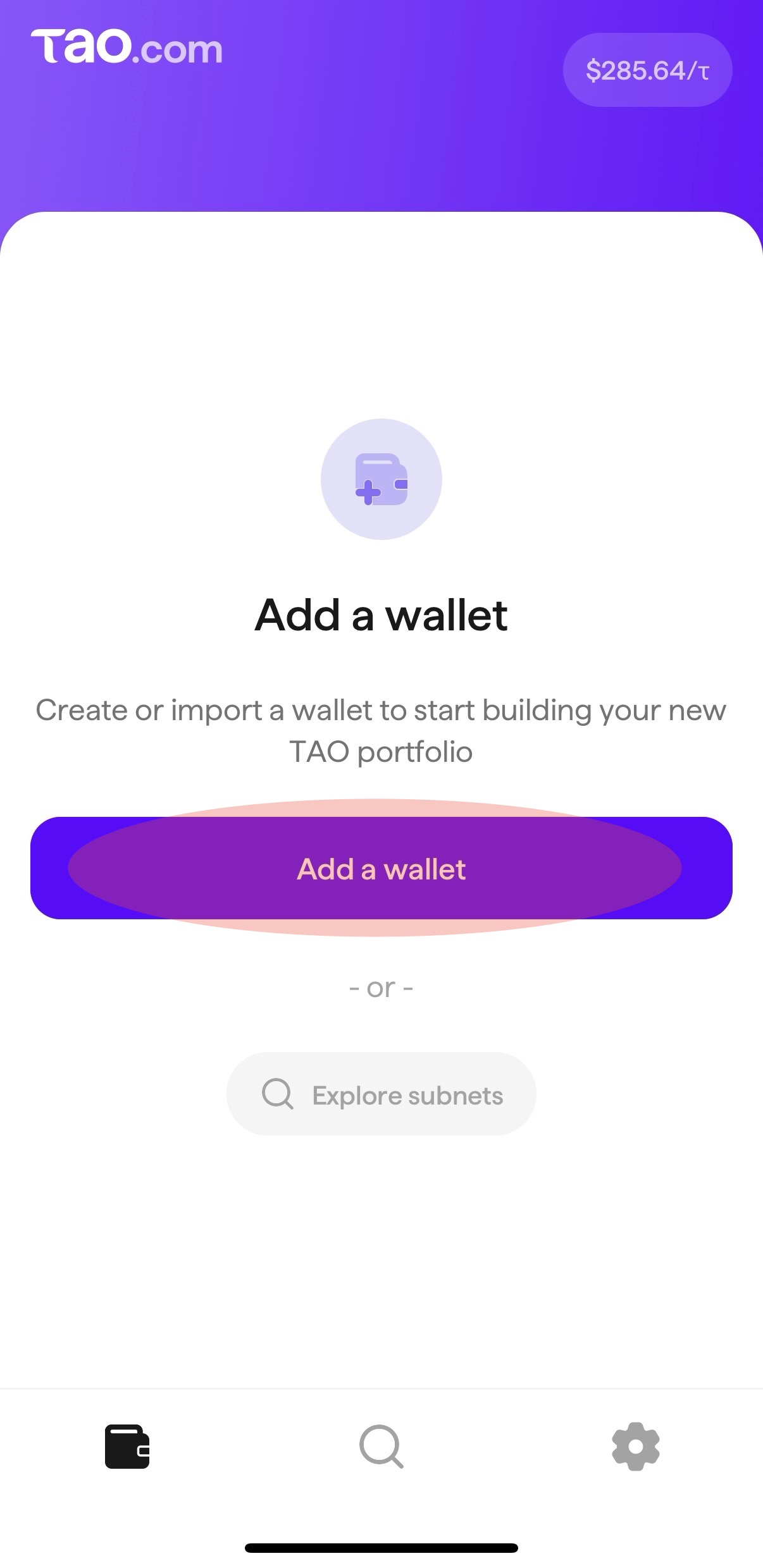
### Open the TAO.com app and tap "Add a wallet"
{% endstep %}
{% step %}
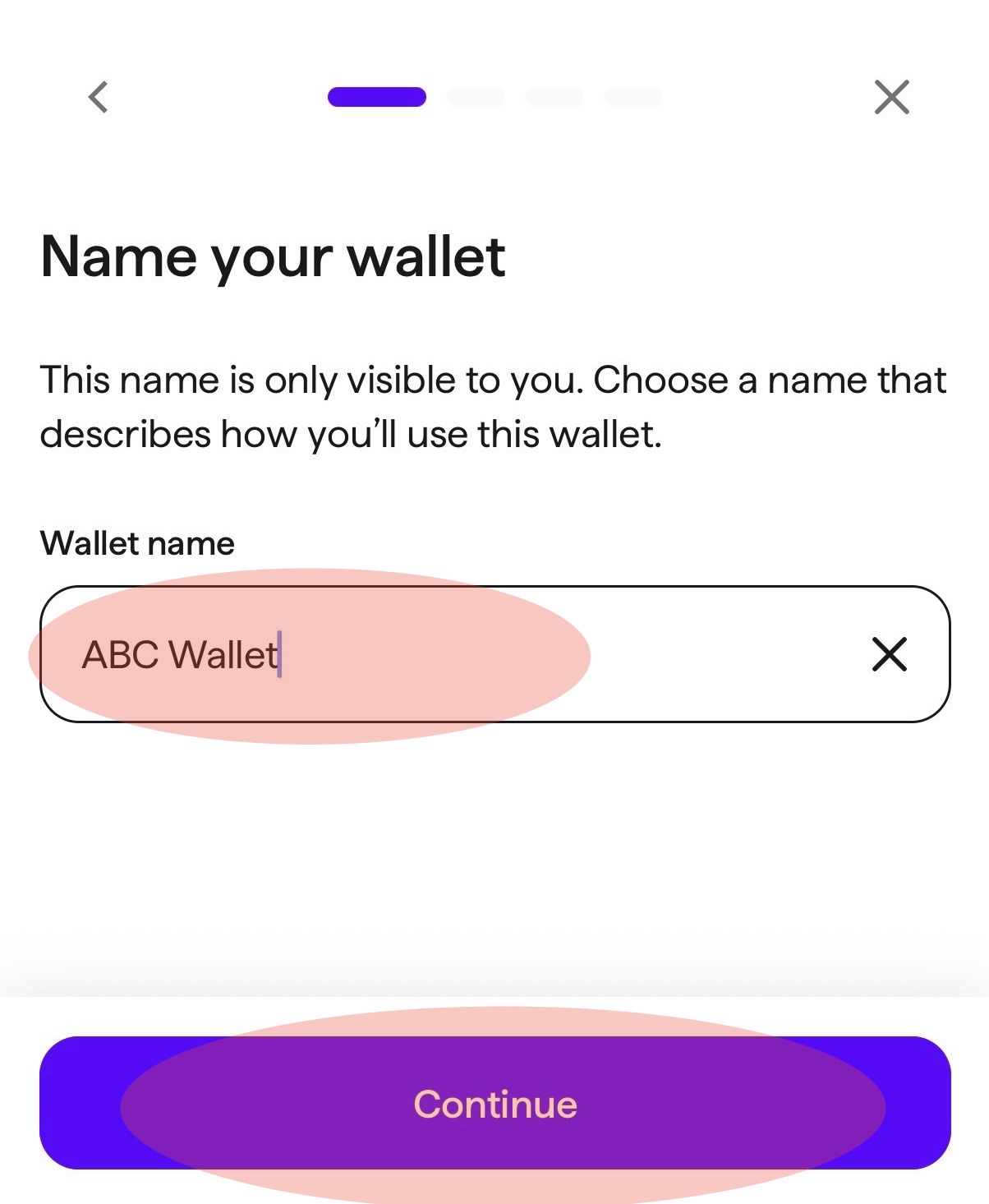
### Name your wallet
Select and enter a name for your wallet. Tap "Continue".
{% endstep %}
{% step %}
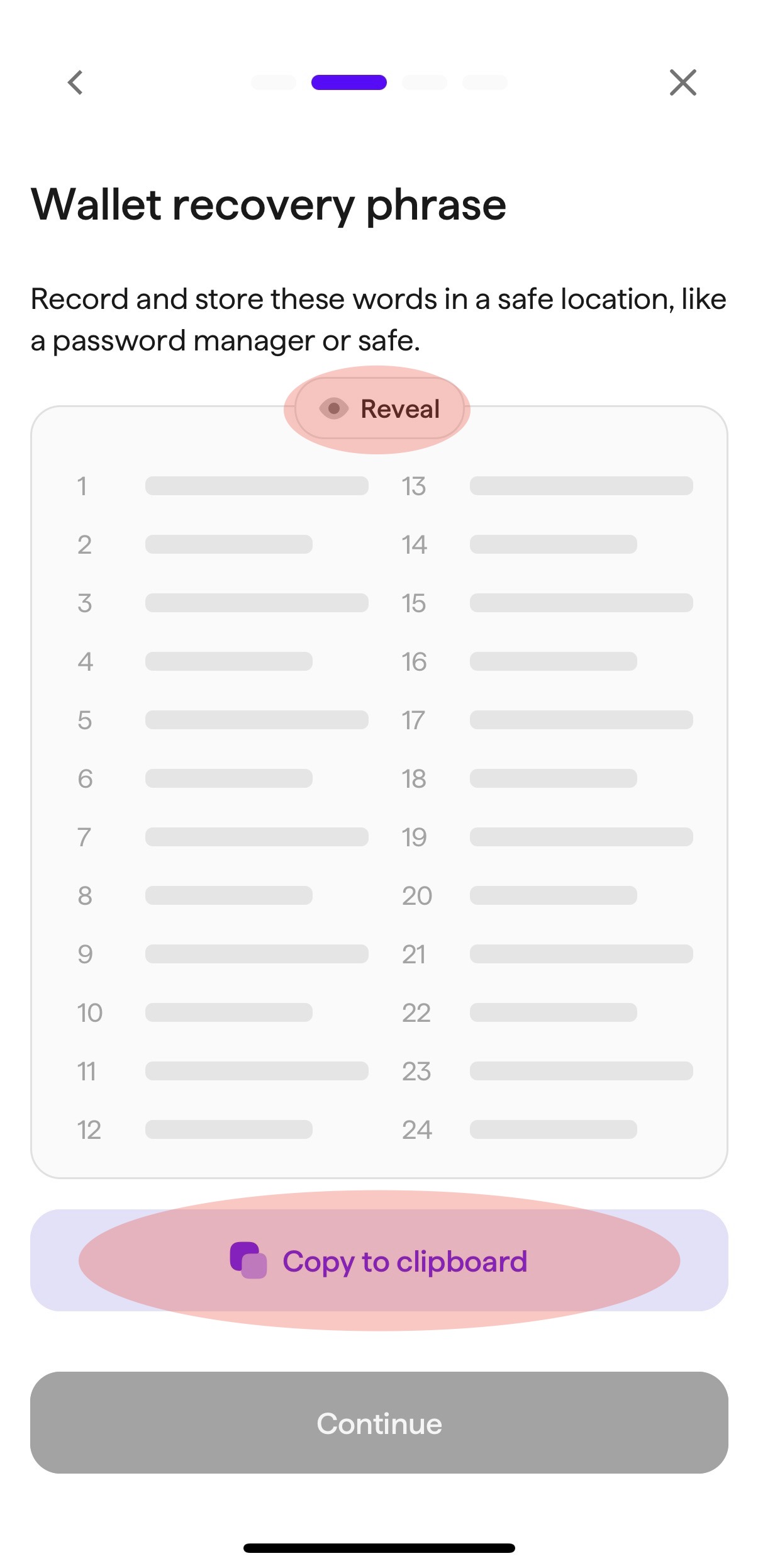
### Wallet recovery phrase
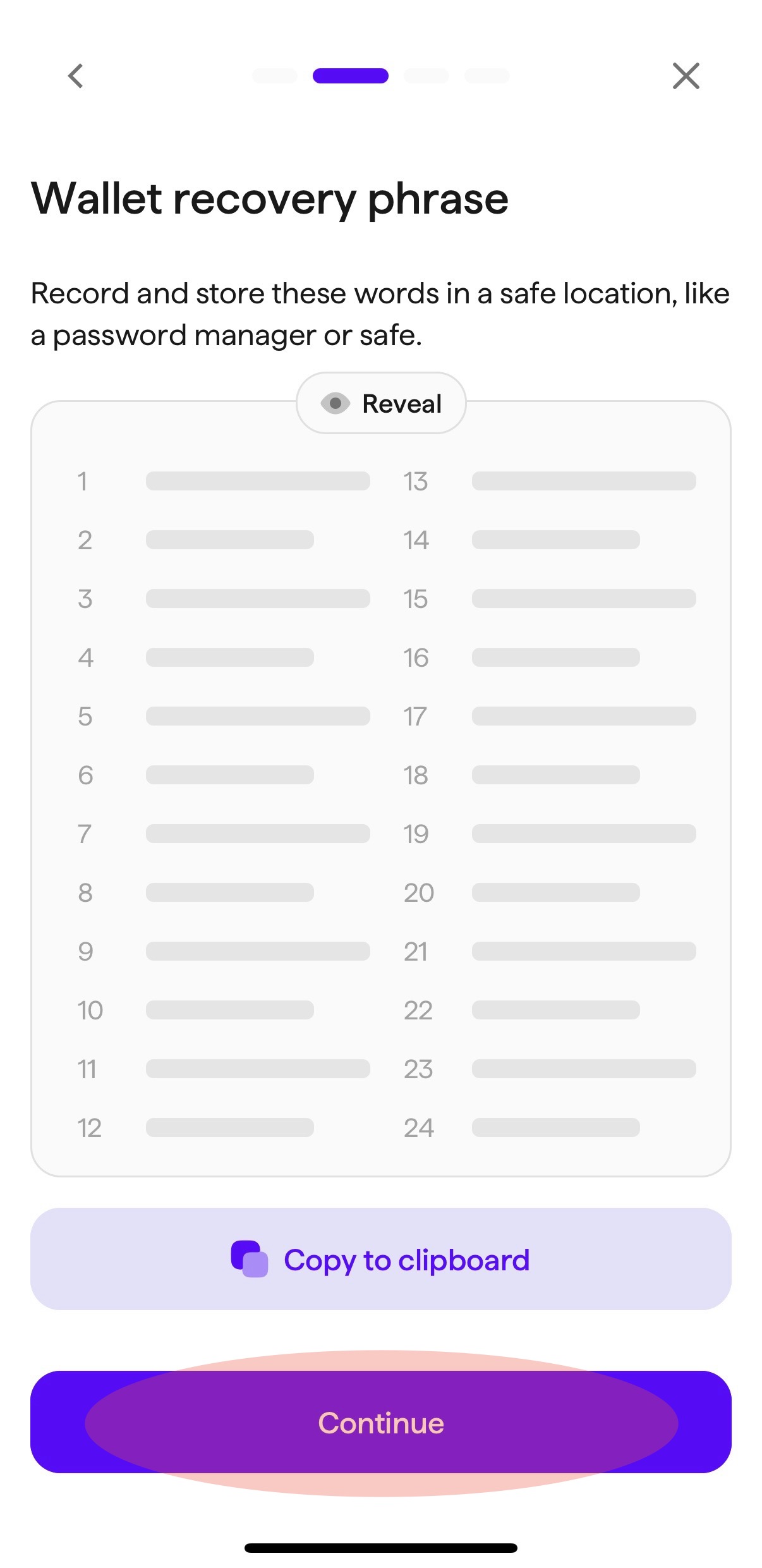
Tap "Reveal" to reveal the unique 24-phrase mnemonic seed for your wallet. When the seed is revealed, tap "Copy to clipboard" and paste the phrase in a safe place. The app will allow you 5 minutes after copying to paste the seed phrase elsewhere. Once you have copied the seed phrase, the "Continue" button will activate. After saving your seed phrase, tap "Continue".
Please ensure that you store the full seed phrase as it is your only way to recover your wallet if you forget your password or need to add or re-import the wallet.
{% endstep %}
{% step %}
### Confirm your phrase
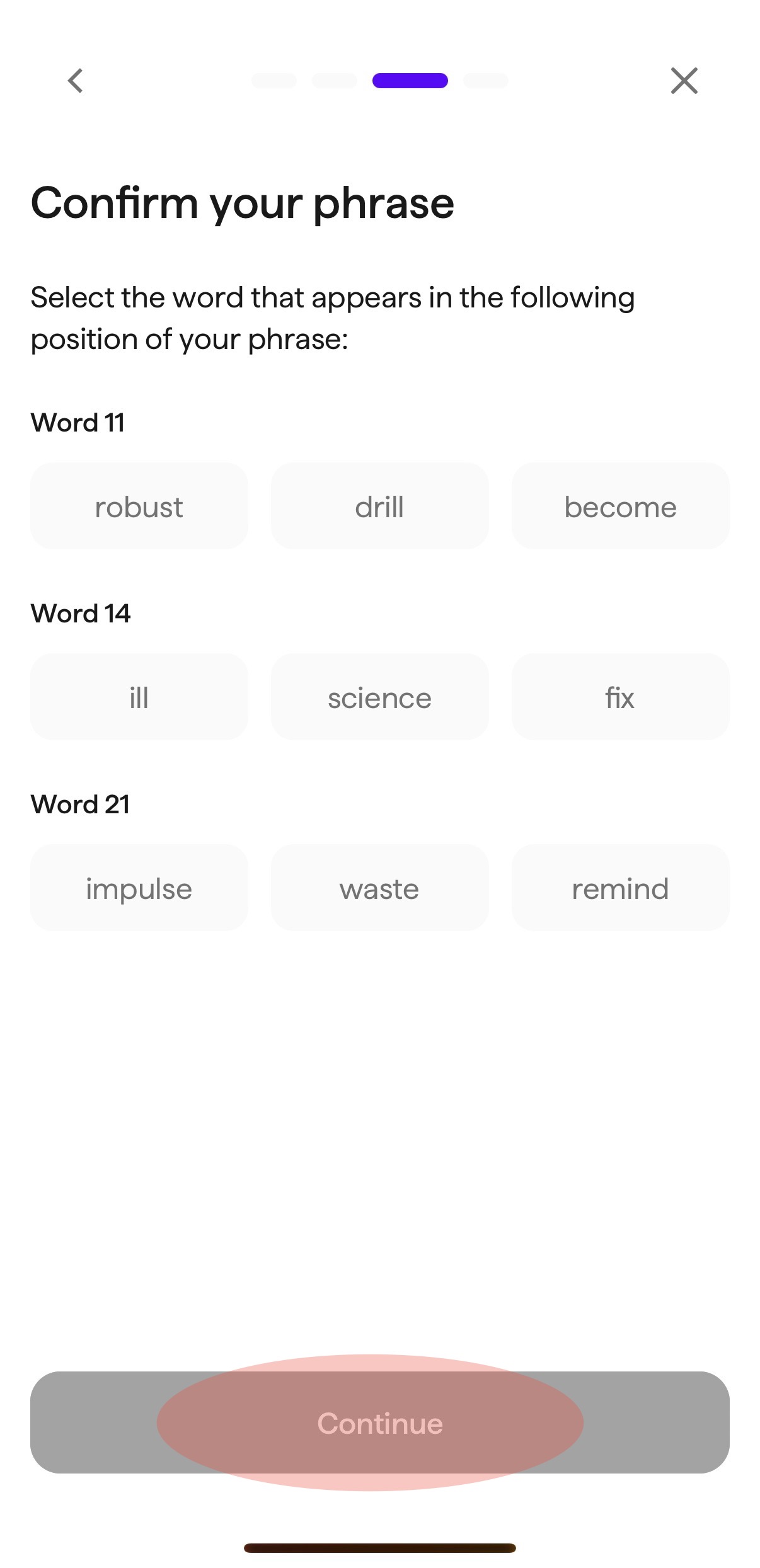
After you click "Continue", you will be asked to confirm your phrase by selecting the appropriate words to ensure that you have saved it properly. Once the correct set of words is selected, the "Continue" button will activate. Tap "Continue".
{% endstep %}
{% step %}
### Create a password
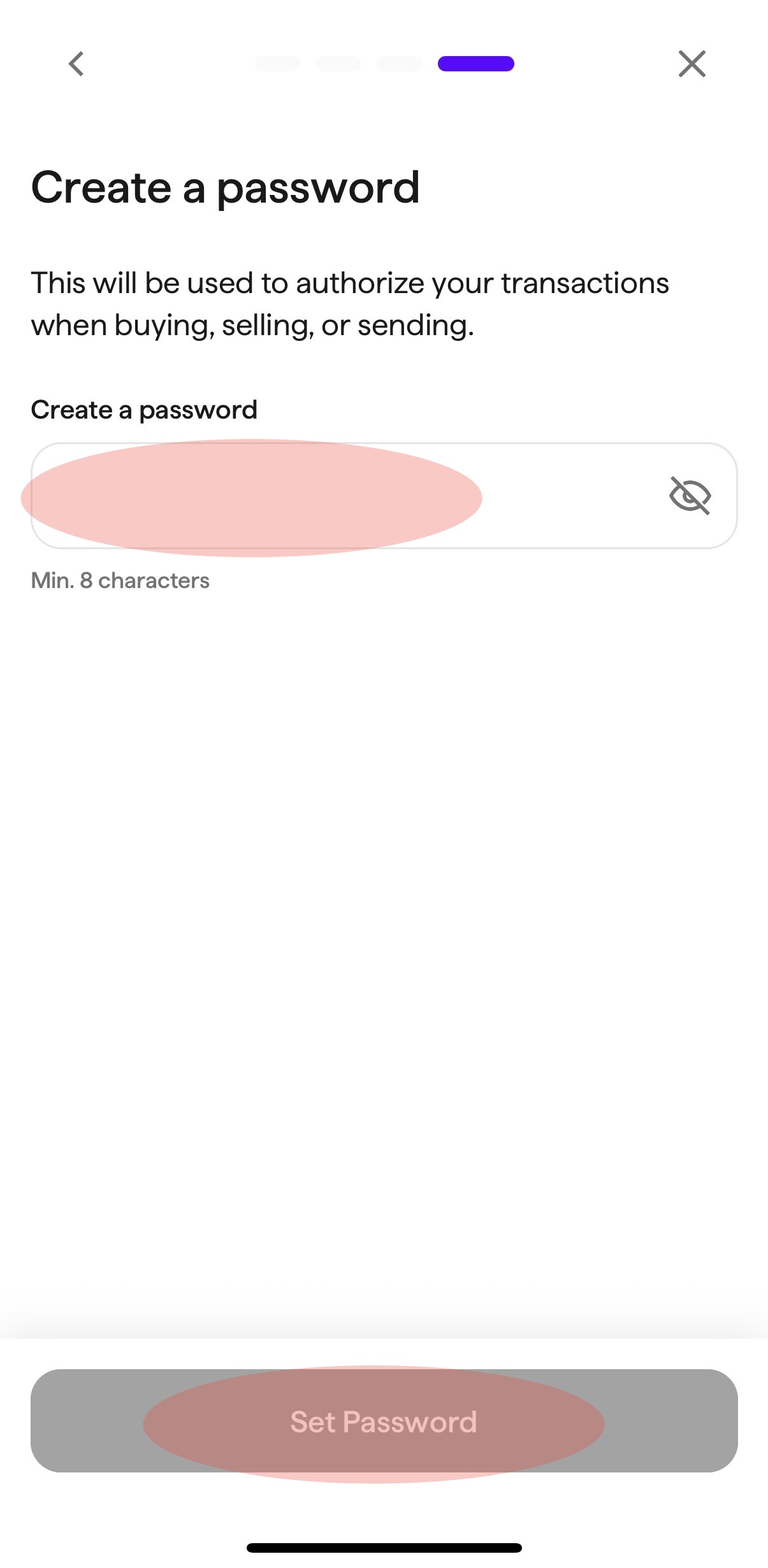
Select and enter a secure password. Once a password is entered, the "Set Password" button will activate. Tap "Set Password".
{% endstep %}
{% step %}
### Wallet created
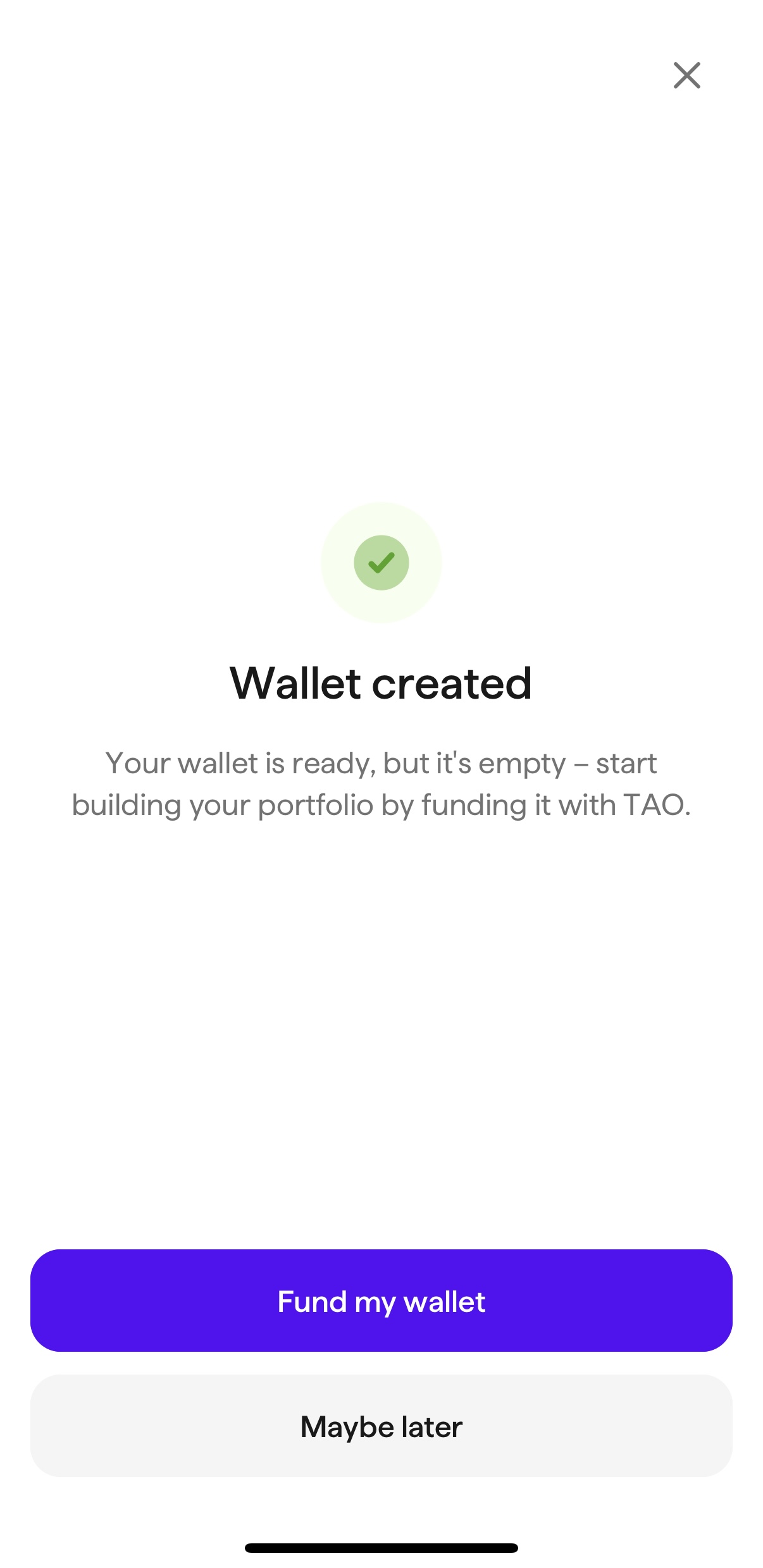
Your new wallet has been created and is now ready for funding.
{% endstep %}
{% endstepper %}